

Sometimes, progress for progress’s sake is just annoyance.
Such as the new context menu for Windows 11. You know what I’m talking about.
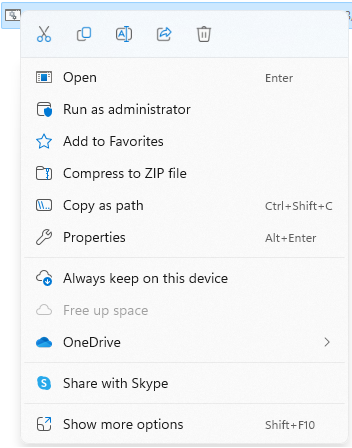
If you select Show more options, you’ll see the legacy menu that we know and love. For those of us that still want to be able to get to that menu with a single click, here’s a reg hack to revert Explorer.exe to its default:
- Launch an elevated
CMDprompt. - Run the following to add the reg key and restart Windows Explorer.
reg.exe add "HKCU\Software\Classes\CLSID\{86ca1aa0-34aa-4e8b-a509-50c905bae2a2}\InprocServer32" /f /ve
taskkill /F /IM explorer.exe & start explorer
You’re welcome.